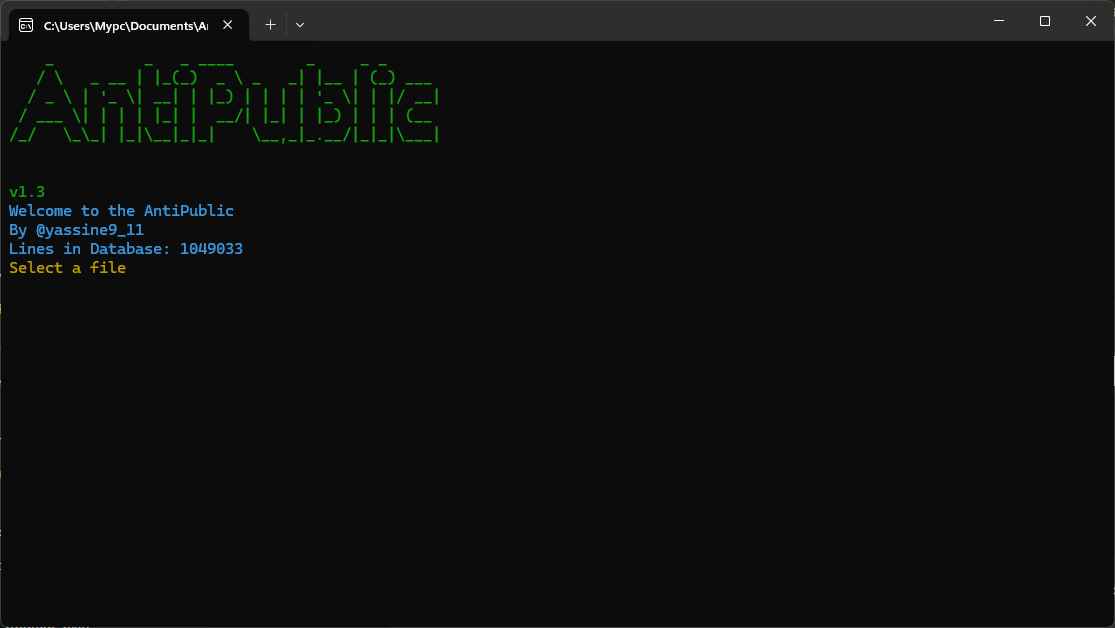
A closer look at the interface

A screenshot of the AntiPublic tool showing its user interface.

Trusted by a growing community

0+
Downloads
0
GitHub Stars
Star on GitHub →
👁
0
Website Views

Built for speed, accuracy and clarity

🔒

Private Base Checker

Advanced filtering removes junk and public credentials, leaving you with only high-quality, private data.

Efficient Processing

A fast, user-friendly interface designed for simplicity without sacrificing powerful functionality.

🖥️

Windows Compatible

Runs seamlessly across all Windows versions for broad, hassle-free compatibility.

📊

Real-time Monitoring

Track processing progress and monitor checks live for full control over every operation.

What you get

  • Advanced junk and public mail filtering
  • High-speed processing with multi-threading
  • Compatible with all Windows versions
  • Real-time progress tracking
  • User-friendly interface

Under the hood

  • Threading support for fast processing
  • Native GUI elements
  • Automatic update checking

Four simple steps

  1. 1
    Run the tool and select your combo file (.txt format).
  2. 2
    Choose the number of threads (1–200) for your system.
  3. 3
    Monitor progress in real time as combos are processed.
  4. 4
    Get your results saved automatically in the “Result” folder.

Get the most out of AntiPublic

Need a hand? Let's talk.

If you need support or have any questions about AntiPublic, reach out directly on Telegram.

Contact on Telegram